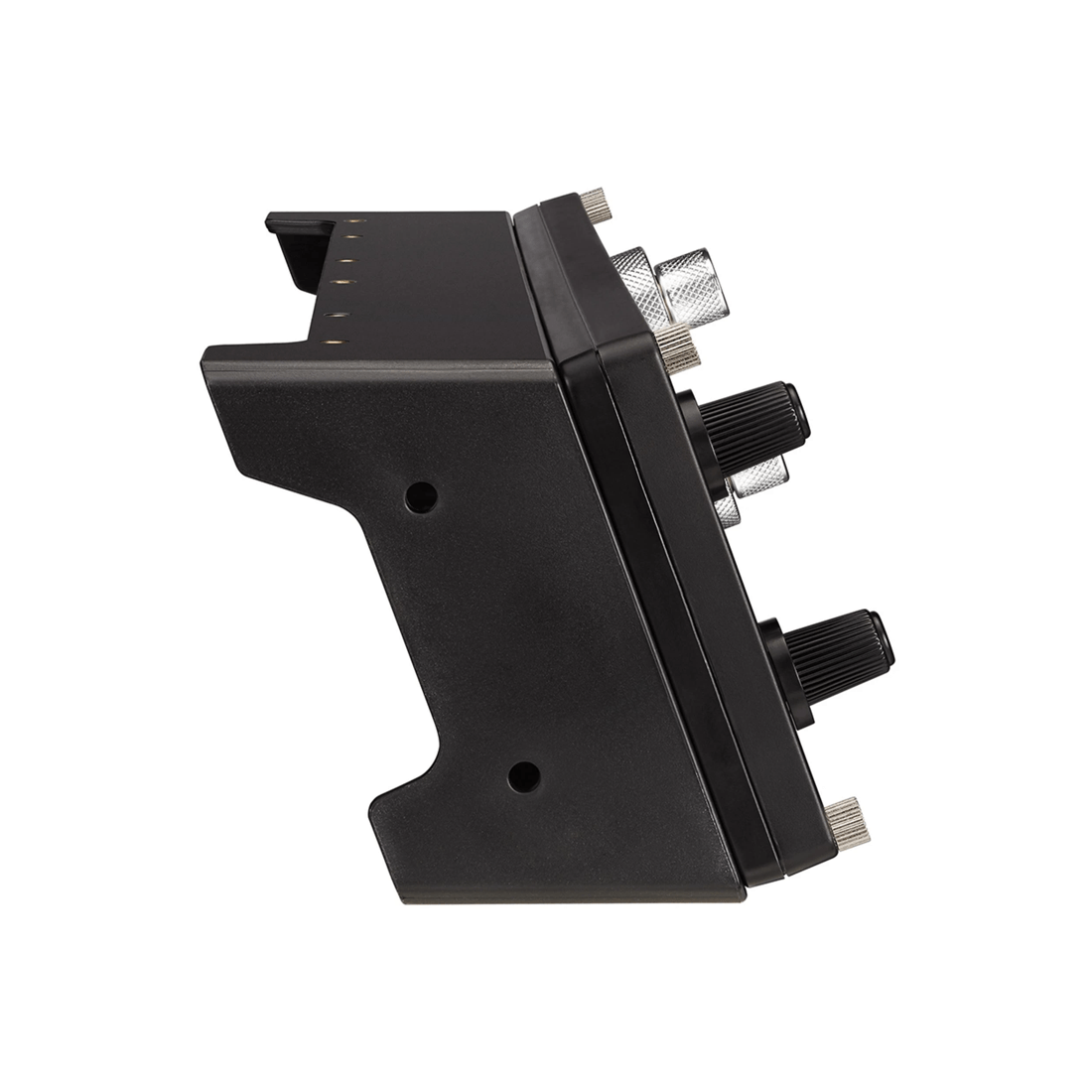
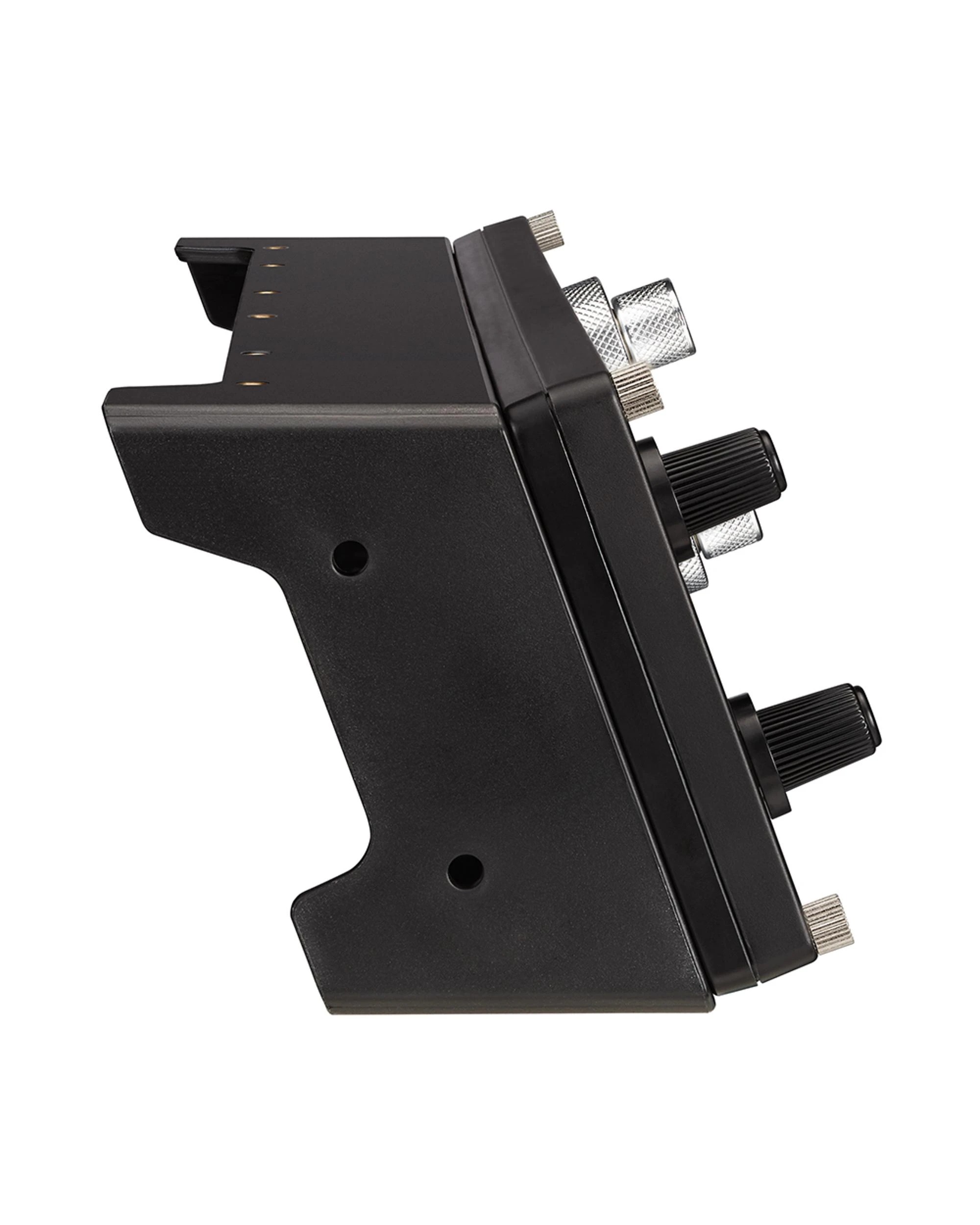
What we like- 2-Year Limited Hardware Warranty
- Works for FSX & X-Plane Series
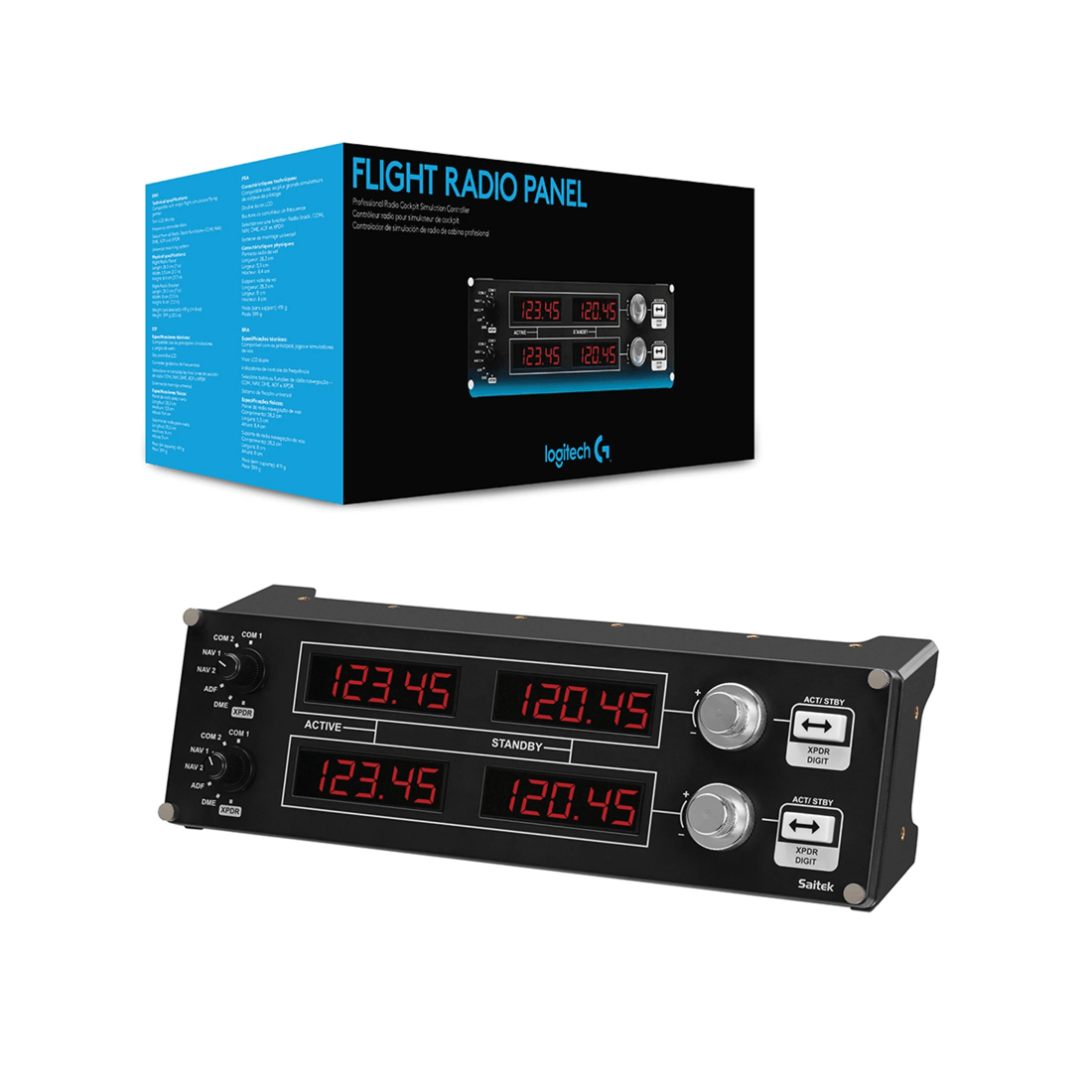
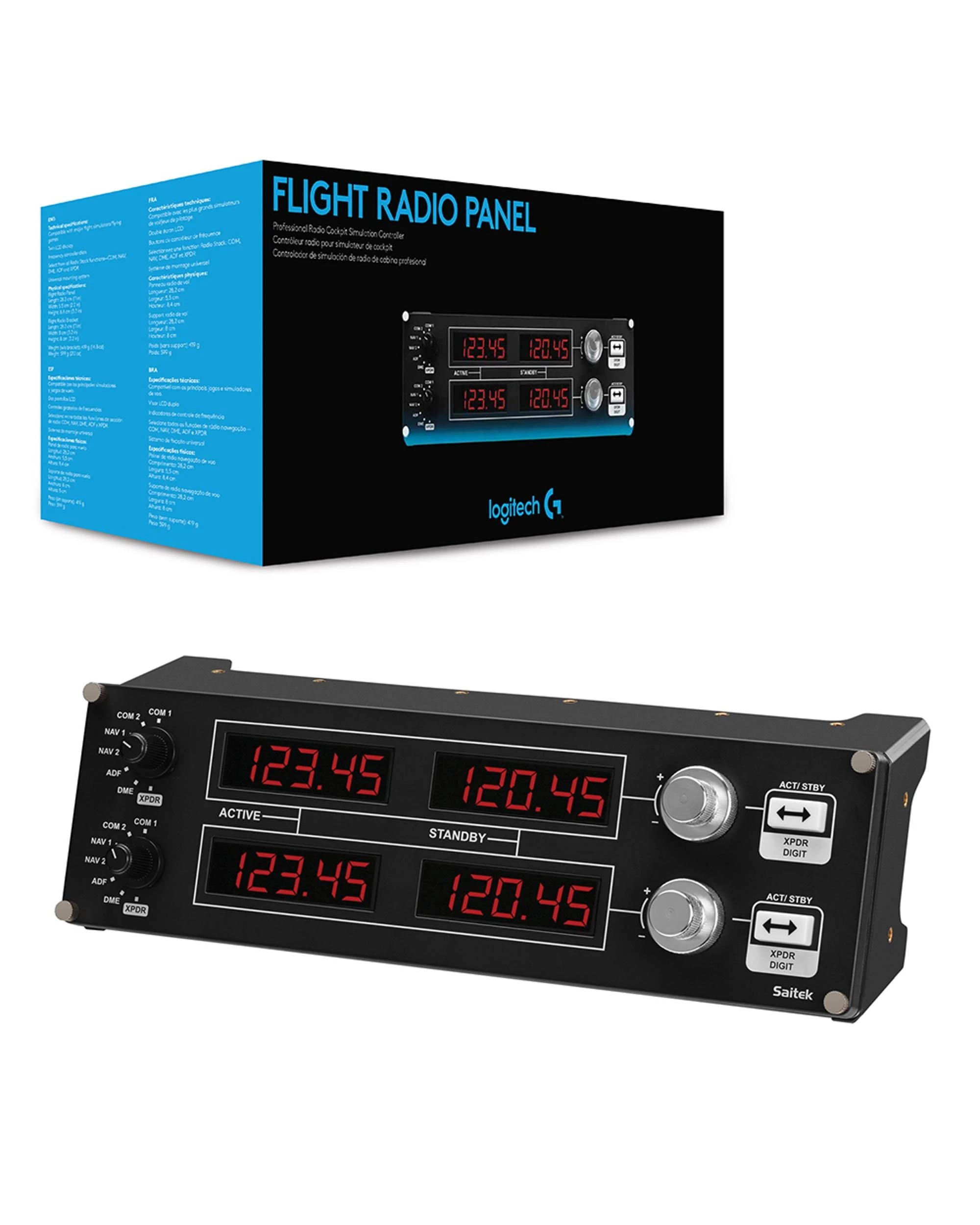
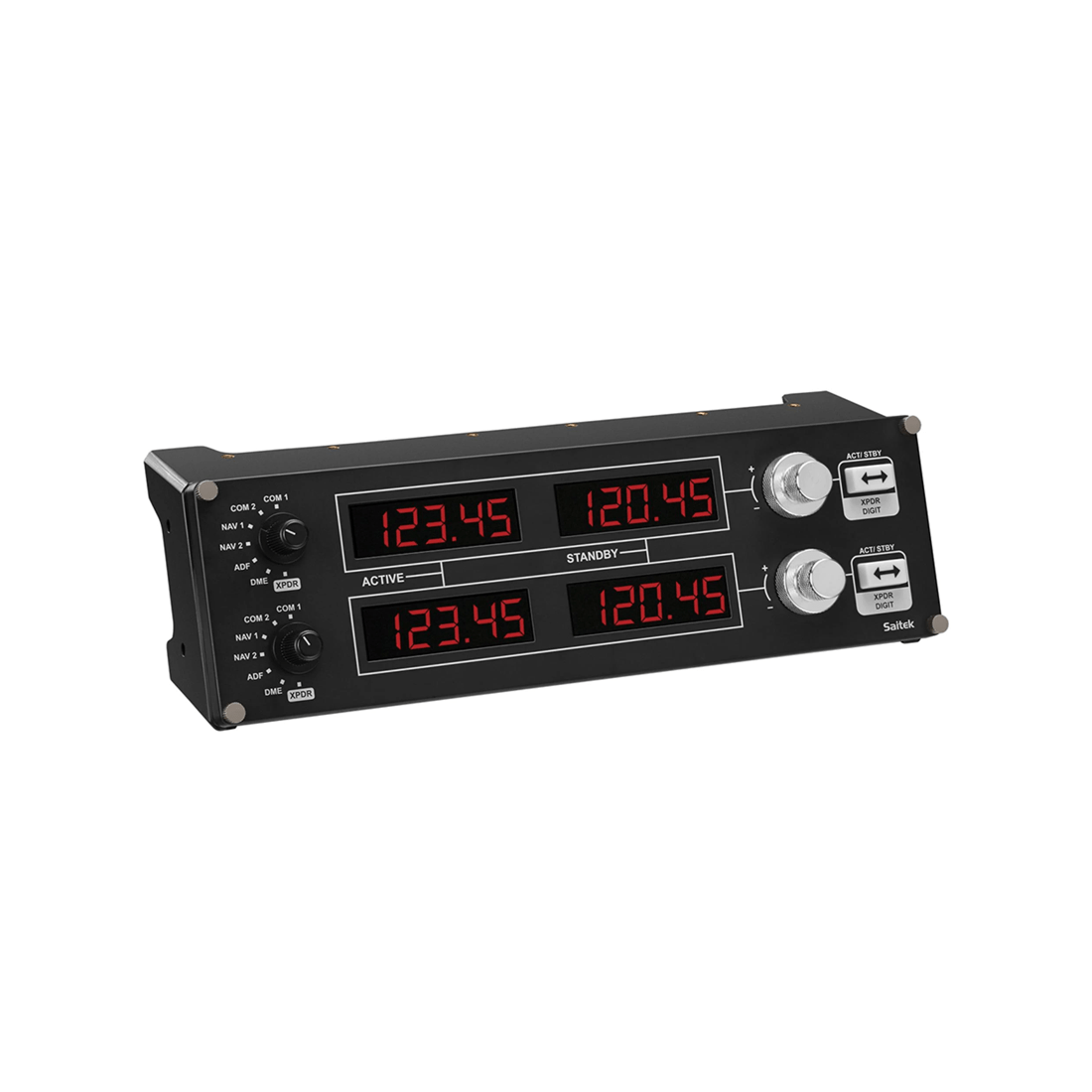
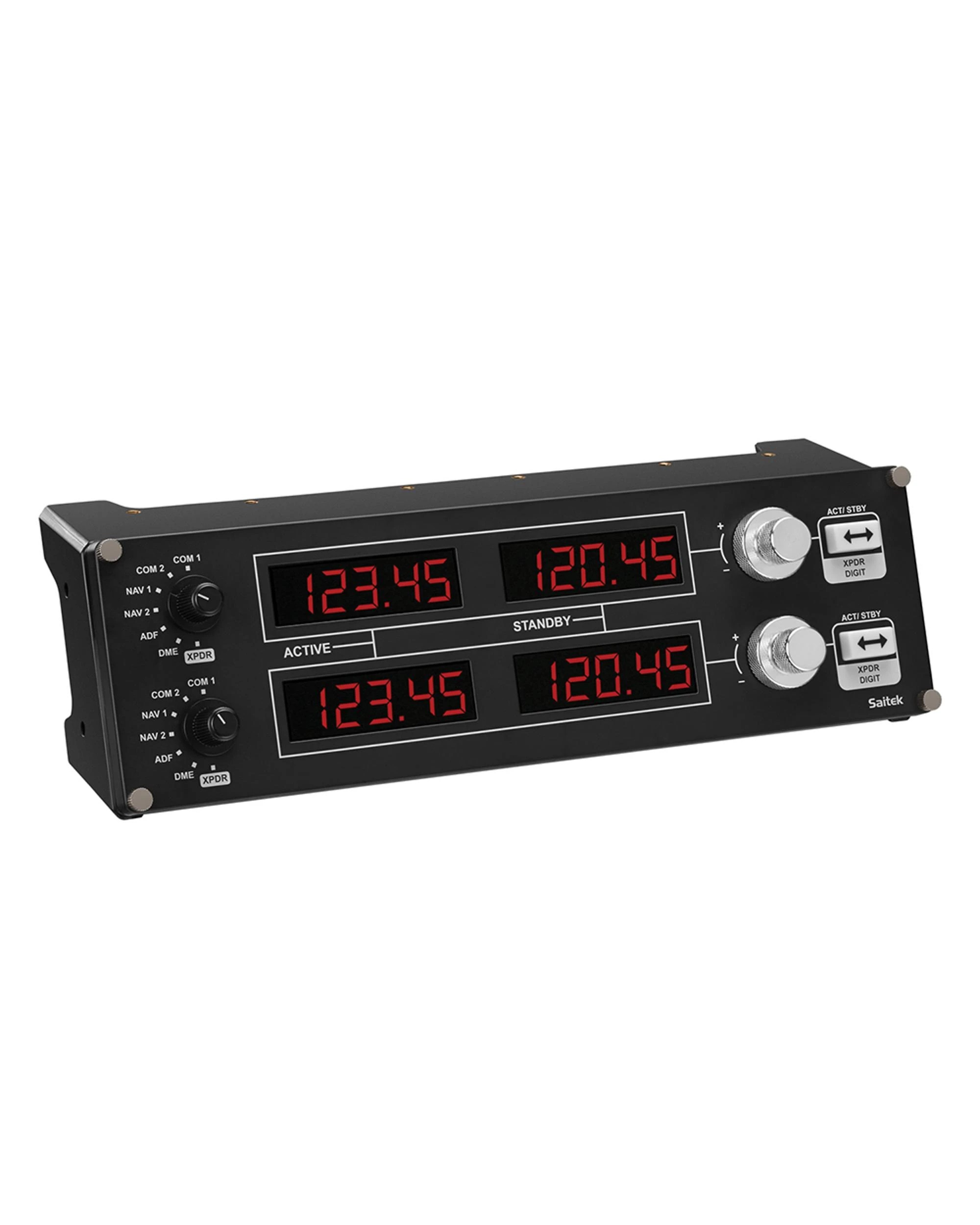
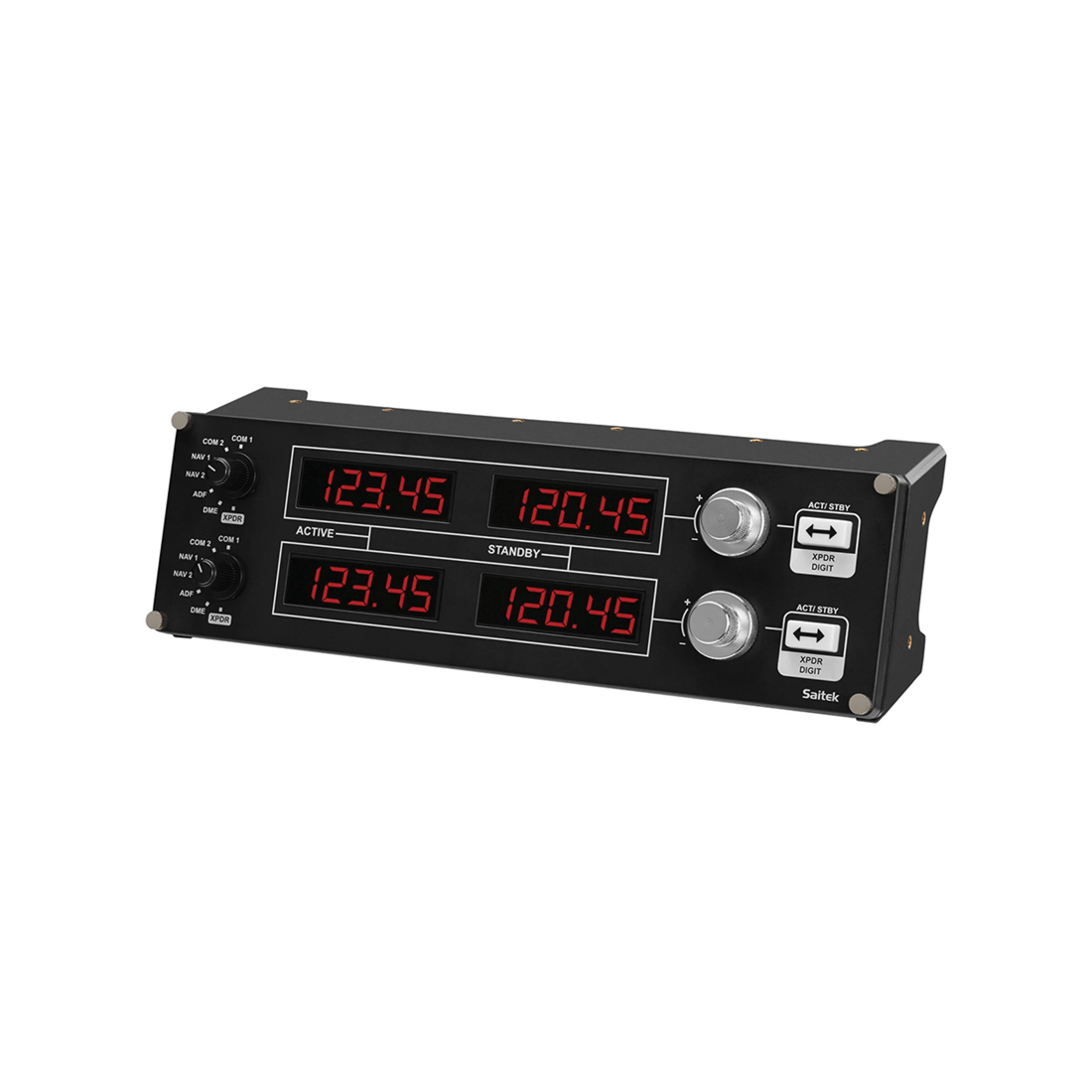
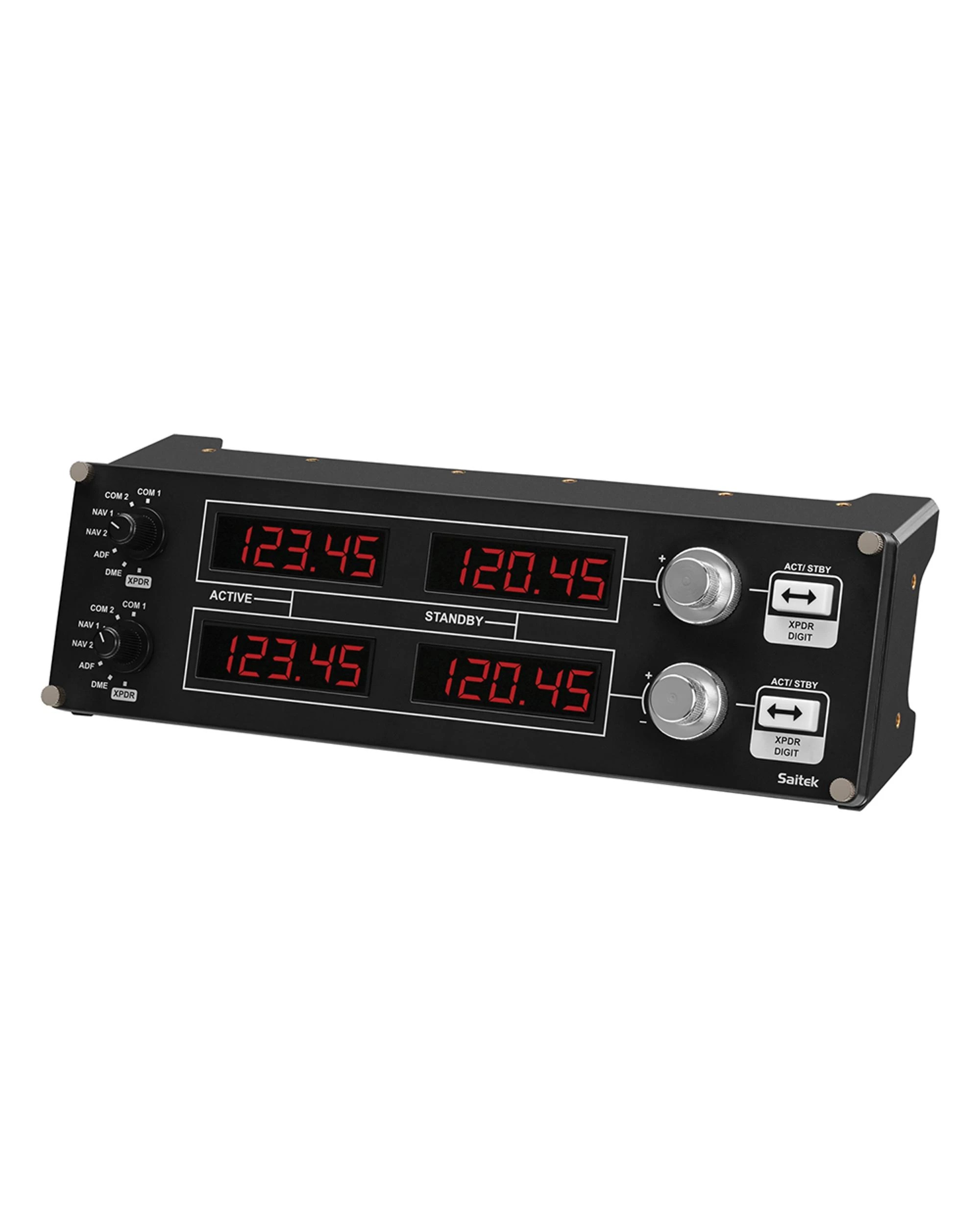
Manufacturer's DescriptionFour LED displays with controls to set a variety of communication or navigation functions. COM1/2, NAV1/2, DME, ADF, and XPDR functions are easily within reach and respond in real time.
FeaturesCOMPACT COCKPIT RADIO STACK
Flight Radio Panel is a stack of four LED displays with controls to set a variety of communication or navigation functions. Gone are the days of fussing with onscreen controls for COM1/2, NAV1/2, DME, ADF, and XPDR functions. Each display works in real-time with FSX, X-Plane, and Prepar3D. One or more Radio Panels easily integrates into the Flight Simulator Cockpit or your home setup.
READY FOR MICROSOFT FLIGHT SIMULATOR
Take to the skies and experience the joy of flight in the next generation of Microsoft Flight Simulator, at its best on Logitech G flight equipment. Travel the world in amazing detail with over 37 thousand airports, 2 million cities, 1.5 billion buildings, real mountains, roads, trees, rivers, animals, traffic, and more. Test your piloting skills against the challenges of night flying, real-time atmospheric simulation, and live weather in a dynamic and living world.
Your panel works with Windows 7, 8.1 and 10. A quick installation of a small plug-in from the support page adds compatibility with your favorite flight simulation software for PCs including Microsoft Flight Simulator, FSX - Flight Simulator X, X-Plane 10, and Prepar3D.
CONTROL ADJUSTMENTS IN REAL-TIME
Works with Your Flight Sim Favorites. Take control in a more realistic cockpit. Make real-time, accurate, and incremental changes within the sim or on the Radio Panel. Change frequencies within your sim and the Panel reacts accordingly. Change frequencies on the Panel and the sim will automatically and immediately reflect your selection.
FULLY CUSTOMIZABLE FOR ALL FLYING CONDITIONS
Modular and Interchangeable. The Logitech G range of panels can be situated one on top of another or side-by-side. Want the Radio Panel above the Multi Panel? Done. Want your Switch Panel to the left of your Yoke? Go for it. Easy-to-use mounting brackets provide the means to arrange your flight simulation setup in a configuration only limited by your imagination.
Requirements- Windows 10, Windows 8.1, Windows 7
- 1-USB 2.0 Port
- Internet connection for optional software download
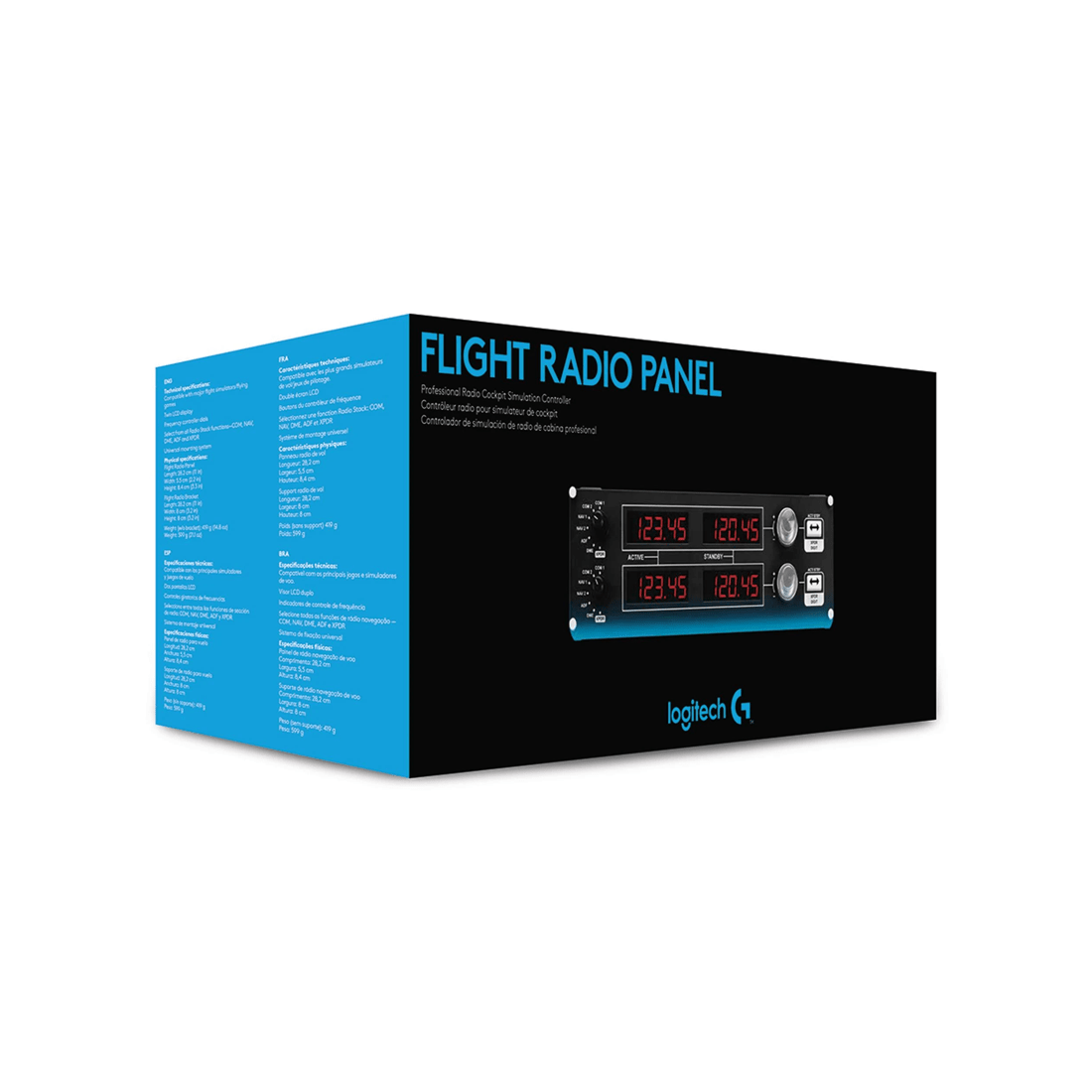
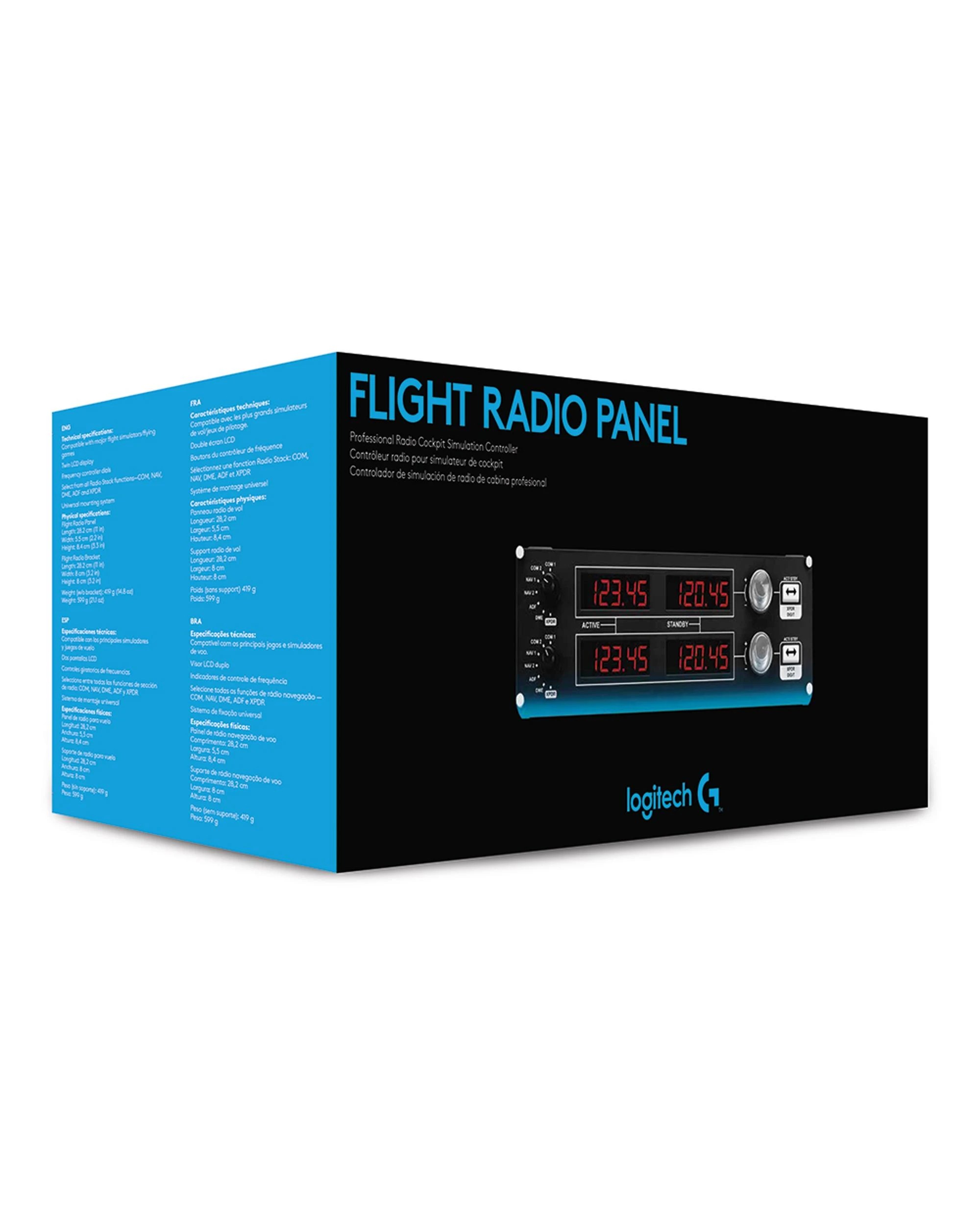
Contents- 1 x Flight Radio Panel
- 1 x Flight Radio Panel Bracket
- 1 x User documentation
SpecificationsPHYSICAL SPECIFICATIONS
Flight Radio Panel:
- Length: 28.2 cm
- Width: 5.5 cm
- Height: 8.4 cm
- Weight (w/o bracket): 419 g
- Weight: 599 g
- Cable Length (Power/Charging): 1.8 m
Flight Radio Bracket:
- Length: 28.2 cm
- Width: 8 cm
- Height: 8 cm
CONTROLLER SPECIFICATIONS
- Connection Type: USB
- USB Protocol: USB 2.0
- USB Speed: Full Speed
- Indicator LIghts (LED): No
- LCD Display: Yes
- USB Ports (Built-in): No
- Backlighting: No
Item SpecificsBarcode: 097855127945
Manufacturer: Logitech
MPN: PZ69
Weight (Packaged): 0.92 kg
Dimensions:- 33.00cm x 14.00cm x 14.00cm
Volume: